Components
Mendable Chat Bubble
Before installation, ensure you've either signed up through our platform or we have provided you with the ANON_KEY. Without the key, you won't be able to setup the chat bubble component.
Mendable Chat Bubble
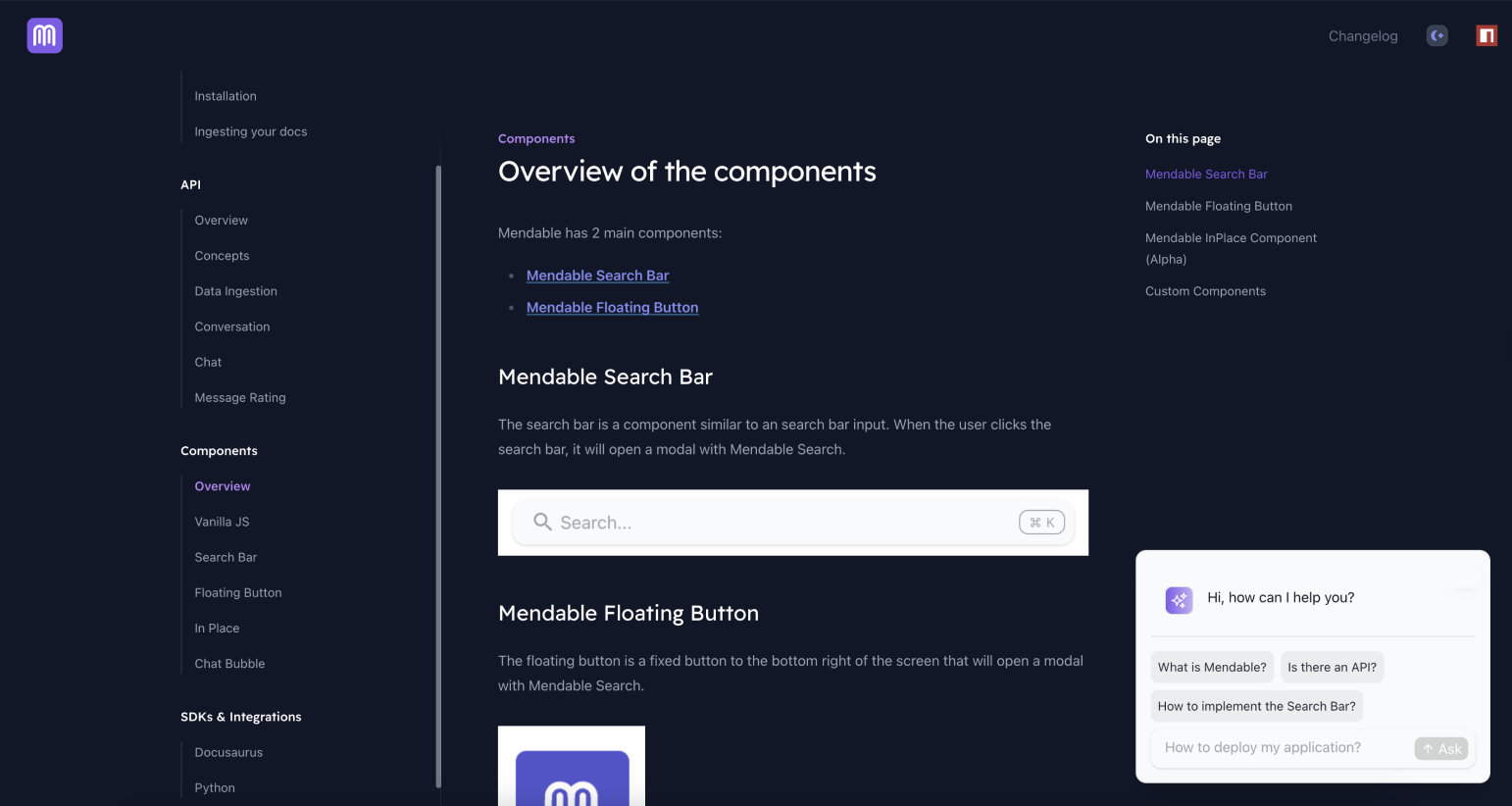
The Chat Bubble is a component that appears as a floating chat icon, typically pinned to the bottom right of the screen. When clicked, it will open a dialog with Mendable Chat.
Usage
import { MendableChatBubble } from "@mendable/chat"

const style = { darkMode: false, accentColor: "#123456" }

<MendableChatBubble anon_key='YOUR_ANON_KEY' style={style} />
| Prop | Type | Default | Description |
|---|---|---|---|
| anon_key (Required) | string | - | Mendable Chat ANON_KEY |
| style | object | - | Style object |
| style.darkMode | boolean | false | Dark mode |
| style.accentColor | string | "#123456" | Accent color |
| style.backgroundColor | string | "#123456" | Background color |
| context | string | false | Additional context to be passed to the AI |
| icon | object | Chat Bubble Emoji | React: Chat icon HTML tag, can be a img, svg or any other HTML tag, Vanilla JS: image url |
| floatingButtonStyle | object | - | Defines the style for the floating button |
| cmdShortcutKey | string | "k" | Define the shortcut for users to open mendable with. By default, it is CMD + K or CTRL + K |
| showSimpleSearch | boolean | false | Show simple search bar option on the top |
| welcomeMessage | string | "Hello, how can I help you?" | Welcome message for the chat |
| dialogPlaceholder | string | "Ask me anything..." | Placeholder text for the mendable bot input bar inside the dialog window |
| botIcon | object | Bot Emoji | React: Bot icon HTML tag, can be a img, svg or any other HTML tag, Vanilla JS: image url |
| userIcon | object | User Emoji | React: User icon HTML tag, can be a img, svg or any other HTML tag, Vanilla JS: image url |
| positionOverwriteClassname | string | - | Classname that helps overwrite the position of the floating button |
| dialogCustomStyle | object | - | Custom style for the dialog |
| customText | string | - | Custom text for the chat |
| messageSettings | object | - | Message settings |
| messageSettings.openSourcesInNewTab | boolean | false | Open sources in new tab |
| messageSettings.prettySources | boolean | false | Display the sources by title / sub-section instead of long URL |
| messageSettings.hideSources | boolean | false | Hide the sources |
| privacyDisclaimer | string | "" | Privacy disclaimer text |
| footer | object | - | Footer object |
| footer.bottomRightLink | object | - | Bottom right button object |
| footer.bottomRightLink.label | string | "" | Text label for the bottom right button |
| footer.bottomRightLink.link | string | "" | URL for the bottom right button |
| language | string | "" | Defaults to user's personal settings. Anything else will overwrite the language for all users. Languages available: pt,es,fr,it,nl,de,ja |
| onMessageForTracking | function | - | Callback function that triggers when a message is sent. It receives the question and answer as parameters |
| onSourceClickedForTracking | function | - | Callback function that triggers when a source is clicked. It receives the source as a parameter |
| onSwitchingSearchType | function | - | Callback function that triggers when the search type is switched. It receives the type as a parameter |
Callback functions
The MendableChatBubble component provides callback functions for tracking events inside the component.
- onMessageForTracking : This function is triggered whenever a message is sent in the component. The function receives the question and the answer as parameters. This can be used for logging or analytics purposes.
Example
import { MendableChatBubble } from "@mendable/chat"


function MySearchComponent() {
  const handleOnMessage = (question, answer) => {
    console.log("User asked:", question);
    console.log("Received answer:", answer);
    // You can add additional tracking or analytics logic here.
  };

  return (
    <MendableChatBubble
      anon_key="YOUR_ANON_KEY"
      onMessageForTracking={handleOnMessage}
    />
  );
}
- onSourceClickedForTracking : This function is triggered whenever a source is clicked in the search results. The function receives the source as a parameter. This can be used for logging or tracking user interactions.
Example
import { MendableChatBubble } from "@mendable/chat"

function handleOnSourceClicked(source) {
  console.log("User clicked on source:", source);
  // Add tracking or logging logic here
}

<MendableChatBubble
  anon_key='YOUR_ANON_KEY'
  onSourceClickedForTracking={handleOnSourceClicked}
/>
Use these functions to gain insights into how users are interacting with the search bar.